

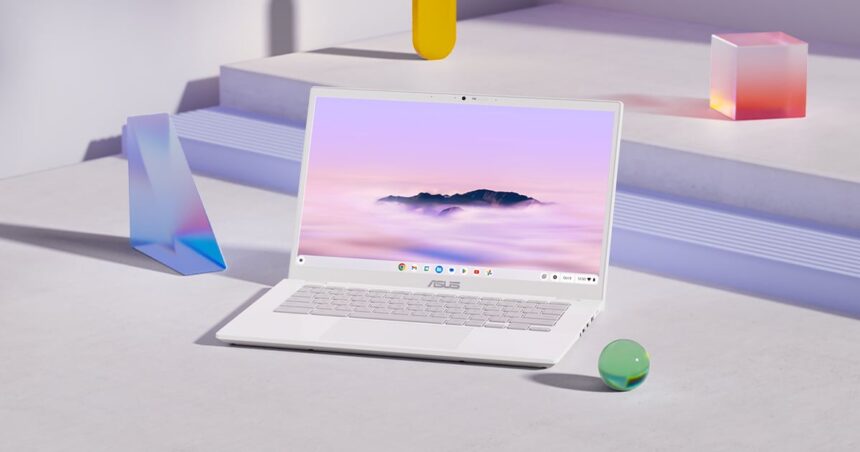
For more than a decade, Chromebooks were stuck in the same reputation: great for the basics, bad for everything else. They were seen as budget machines for students, grandparents, or anyone who just needed a cheap web browser in a laptop shell. In 2025, that story is much more complicated, and the answer is no longer a simple yes or no.
The Chromebook Plus Era Has Arrived
In 2025, anyone shopping for a Chromebook will quickly come across Google’s Chromebook Plus label. This badge is not just marketing. To qualify, a device must meet minimum hardware standards: at least an Intel Core i3 12th generation or AMD Ryzen 3 5000 series processor, 8 GB of RAM, and 128 GB of storage. It also requires a 1080p webcam and a solid display, at least a Full HD IPS panel.
These Chromebook Plus models now come with built-in Google Gemini features like smart writing assistance and dynamic wallpaper generation. The biggest improvement, however, is speed. Even a Chromebook Plus priced around 400 USD, 400 EUR, or 35,000 INR feels surprisingly fast, with apps opening almost instantly. Wake times are nearly immediate, and the lightweight nature of ChromeOS helps the system remain responsive even under load. For many people, it simply keeps working smoothly, day after day.
Chromebook vs Windows Laptops
The most competitive segment in 2025 is the 400 to 600 USD (roughly 400 to 600 EUR, or 35,000 to 50,000 INR) price range. In this bracket, Chromebook Plus devices offer bright, decent-quality screens, comfortable keyboards, and more than 10 hours of real-world battery life. On the other side are budget Windows laptops, which too often feel slow from day one, with dim TN displays, cheap plastic builds, and mediocre battery life.
Windows still gives you the freedom to install almost any program. But that flexibility means little if the machine struggles to run those applications well. ChromeOS cannot handle full desktop suites like Adobe Creative Cloud or AutoCAD. However, if you spend most of your time in the browser using tools like Google Docs, Netflix, Gmail, Spotify, and Zoom, a Chromebook can feel like a premium experience at a budget price.
Gaming on a Chromebook: Proceed With Caution
If you are thinking about buying a Chromebook mainly for gaming, you should be careful. Google has announced that Steam support on ChromeOS will officially end in January 2026. This means you will no longer be able to count on native PC gaming in the traditional sense.
Where Chromebooks do shine is cloud gaming. Services such as GeForce Now and Xbox Cloud Gaming run very well, provided you have a stable, fast internet connection. Because the games are rendered on remote servers, you can play demanding titles like Cyberpunk 2077 or Halo Infinite at high settings, even on modest Chromebook hardware.
For casual gaming, the Google Play Store still gives access to Android versions of popular titles like Minecraft, Roblox, and Stardew Valley. Just do not expect to install and run big-budget Windows games locally. That option is disappearing quickly.
Who Should Consider a Chromebook?
Students: For most students, the answer is definitely yes, unless your course requires specialized software that only runs on Windows or macOS. Chromebooks are light, fast, offer all-day battery life, and integrate well with platforms like Google Classroom and Canvas.
Home users: For casual home use, the answer is also yes. For browsing the web, streaming video, shopping online, and light work, Chromebook Plus devices provide a smooth, low-maintenance experience. You get automatic updates, strong security, and freedom from typical Windows slowdowns and many common viruses.
Writers: Writers who use Google Docs or Word Online will find a Chromebook Plus to be a dependable, distraction-free tool. Battery life is excellent, keyboards are generally comfortable, and Gemini AI can help with tasks like brainstorming and refining text directly within the operating system.
Power users and creators: For heavy professional use, the recommendation is no. If your work depends on software like Adobe Premiere, DaVinci Resolve, AutoCAD, or complex Excel macros, ChromeOS will not meet your needs. In that case, it is better to save for a MacBook Air with at least an M2 or M3 chip, or a Windows laptop with at least an Intel Core i5 (or equivalent), 16 GB of RAM, and sufficient storage.
Final Thoughts
In 2025, Chromebooks—especially Chromebook Plus models—are no longer just basic machines for limited use. They offer impressive performance, long battery life, and a smooth everyday experience at lower prices than many comparable Windows laptops. They are an excellent choice for students, home users, and writers whose work and entertainment mostly happen in the browser. But for serious gaming or professional creative work, you should still look toward more powerful Windows laptops or Macs.